
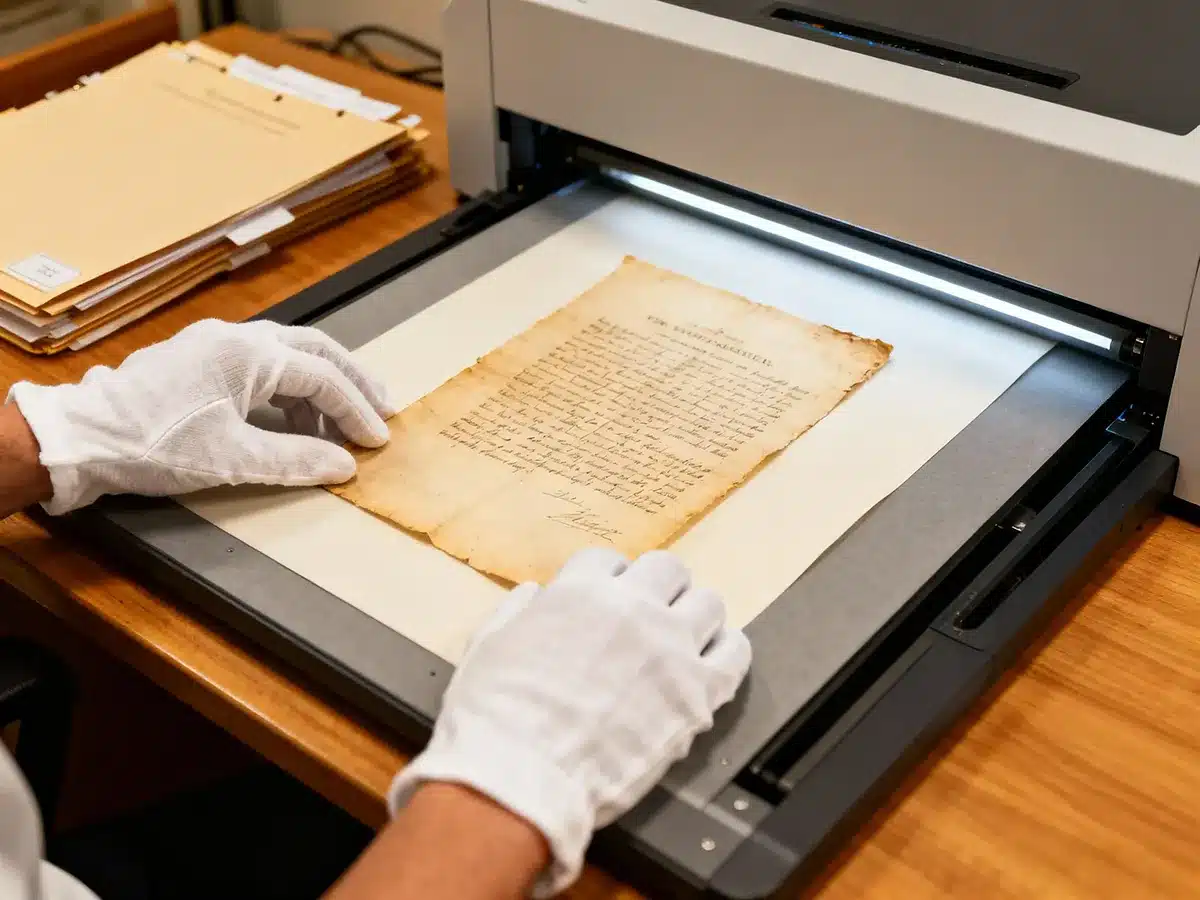
Why does a birth certificate or historical letter scanned on a smartphone look terrible when you try to zoom in or print it?
The answer lies in purpose. Office scanning aims for speed and convenience, while archival scanning is about precision and preservation.
When you scan documents for true archival purposes, you’re not just saving an image—you’re preserving a moment in history. The goal is to create a digital file that stands in for the original: sharp, colour-accurate, and ready to last for decades. Whether it’s a handwritten letter from a grandparent, an old property deed, or military records, the archival version should be the most faithful digital representation of the physical item possible.
The Archival Edge:
Scanning Documents for Preservation, Not Just Storage
Step 1: Preparation Is 80% of the Job
Before a single scan happens, proper preparation ensures that the process is safe, effective, and yields the clearest results. Think of it as conservation before digitisation.
Document Assessment and Handling
Handle documents with care. Clean, dry hands are essential, but for fragile papers, cotton or nitrile gloves are even better. Oils from skin can stain or weaken older paper over time. If the document is delicate or brittle, consider using clear protective sleeves on the flatbed to add a barrier between it and the glass surface.
Physical Cleanup
Gently dust the document using a soft brush or dry cloth to remove surface dirt. Avoid liquids—water or cleaners can permanently damage ink and fibres. Before scanning, remove all staples, paperclips, or binding wires; they can tear paper and scratch your scanner’s surface.
Flattening and Repair
Creased or folded documents can cast shadows when scanned. To flatten them, place them under a clean, lightweight object (like a book wrapped in a soft cloth) overnight. If a tear threatens to worsen, use archival-safe, acid-free repair tape to secure it before scanning. This small step can make a big difference in both the scan quality and long-term preservation of the original.
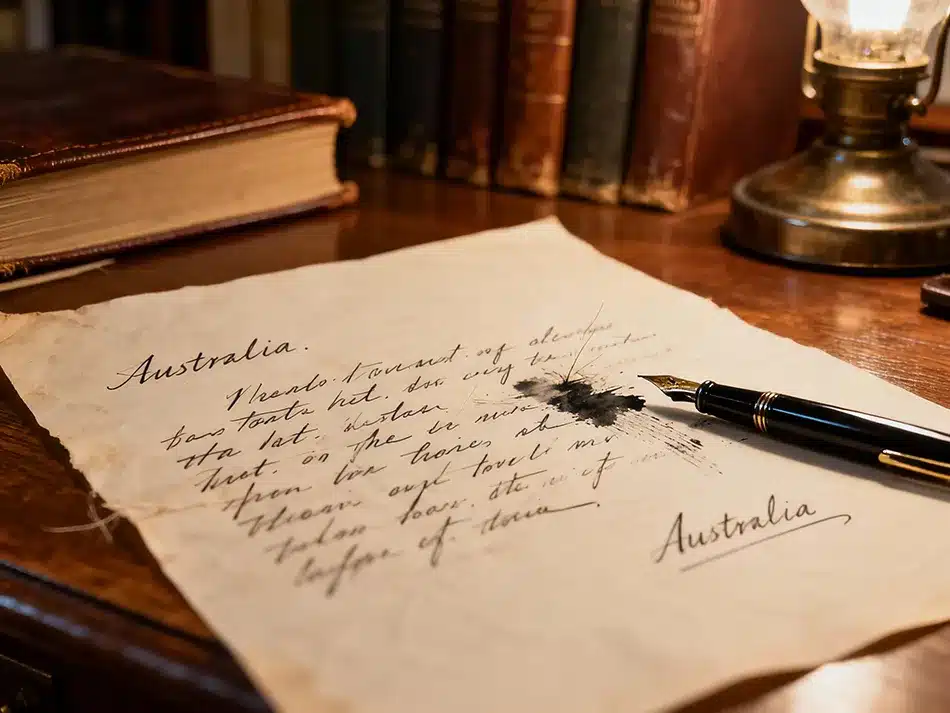
Step 2: Choosing the Right Hardware and Settings
The scanner is your camera; your settings determine how faithfully it captures detail. Choosing wisely makes all the difference.
Scanner Choice
Flatbed scanners are the gold standard for historical or fragile items. They offer full control, minimal handling, and superior sharpness. Avoid using automatic document feeders—those rollers can easily crease or tear older paper.
Resolution (The Golden Rule of DPI)
DPI (dots per inch) defines how much fine detail your scan can hold. For plain text documents, 300 DPI often does the job and works well for optical character recognition (OCR). But for anything with handwriting, stamps, or intricate design, opt for 600 DPI. This higher resolution captures minute textures and ink variations. For photos, negatives, or slides, raise it to 1200 DPI or higher to preserve every grain and mark.
Colour Depth
Even if your document appears black and white, always scan in full colour (24-bit or 48-bit). Slight paper tones, stains, or ink variations often hold meaning—capturing them makes the image feel more authentic and historically accurate. Later, you can convert to greyscale copies for specific uses, but start with the full data capture.
Step 3: File Formats for Posterity
Once your scan is complete, the next step determines how well it survives the years: choosing the right file format.
The Master File (The “Original”)
Save a master copy in TIFF (.tif) format. TIFF uses non-lossy compression, which means every pixel of data remains intact, regardless of how many times it’s opened or copied. This file becomes your digital negative—the version you never edit or overwrite.
The Access File (The “Copy”)
For sharing or everyday use, export from your TIFF master. PDF/A is ideal for multi-page documents and archival storage because it embeds fonts and supports OCR text, making the files searchable and standardised for digital libraries. For lightweight sharing, a high-quality JPEG (.jpg) works, but always retain your TIFF as the untouchable master.
What is PDF/A and why should I use it for archiving?
PDF/A is a specialised version of the PDF format designed specifically for the **long-term archiving and preservation** of electronic documents. It ensures that files remain readable and visually consistent across future software and hardware changes.
Use PDF/A for archiving because it guarantees **consistency** (documents look the same on any device, now or in the future), supports **searchability** (via embedded OCR text), and is a trusted standard (**ISO 19005**) used widely by governments and legal institutions.
🗂️ What Makes PDF/A Different from a Regular PDF?
- Archival-Ready: The “A” stands for Archival. PDF/A is built to preserve documents exactly as they were created, even decades later.
- Self-Contained: All **fonts, colours, and content are embedded** within the file. This means no external resources are needed to display the document properly.
- Restricted Features: To ensure future accessibility, PDF/A **forbids features** like encryption, audio/video embedding, and external links.
- Standardised by ISO: PDF/A is governed by the **ISO 19005 standard**, with versions (like PDF/A-1, PDF/A-2, and PDF/A-3) offering different levels of flexibility for embedded files and metadata.
📘 Why Use PDF/A for Archiving?
- Consistency: Documents look the same on any device, now or in the future.
- Searchability: Supports embedded **OCR text**, making scanned documents fully searchable.
- Legal and Institutional Trust: Widely used by governments, libraries, and legal systems for **official records**.
- Digital Signatures: PDF/A supports embedded electronic signatures, making it suitable for **signed archival records**.
🛠️ When Should I Use PDF/A?
After scanning important documents, you should convert your working copy to PDF/A for any record you want to preserve in its original form. Common uses include:
- Genealogical archives (birth certificates, old letters)
- Legal or property records (deeds, contracts)
- Institutional or church registries
- Any document where the integrity and long-term visual accuracy are critical.
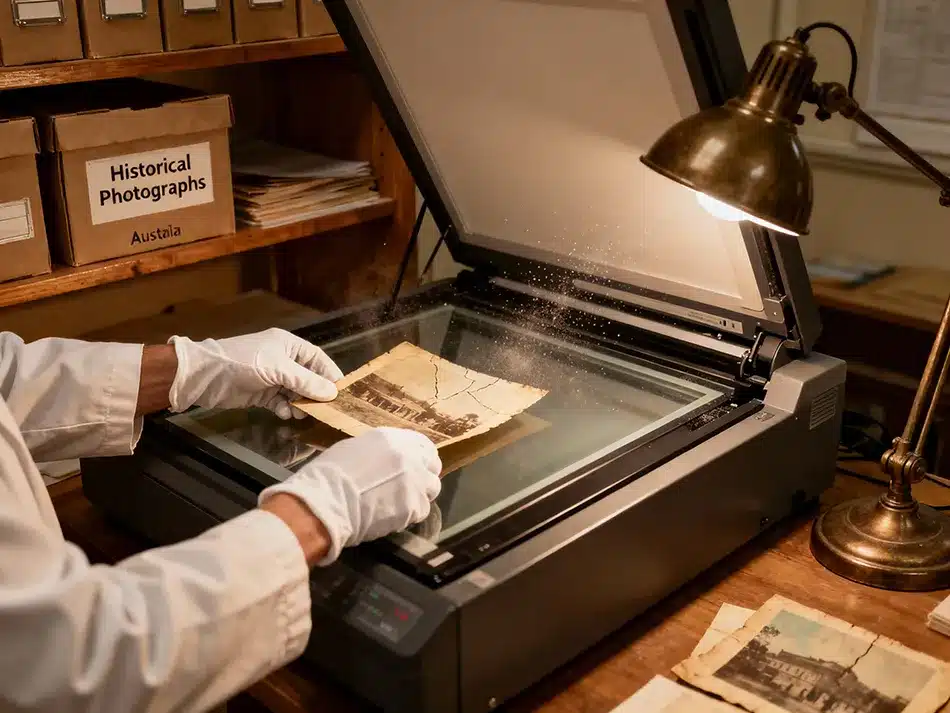
Step 4: Post-Scan Workflow and Storage
Creating a high-quality scan is just the beginning. Archival preservation continues with what you do afterward.
Quality Control and Enhancement
Open your master TIFF file for inspection. Crop and straighten as needed, but never apply heavy edits directly to it. For exposure or contrast adjustments, create a working copy. Use photo restoration or editing software to enhance legibility while maintaining authenticity. Running OCR on your PDF/A copies transforms them into fully searchable archives—indispensable for historians or genealogists.
Naming and Organisation
An organised archive saves hours later. Develop a clear naming structure, like:YYYYMMDD-Surname-DocumentType-001.tif
Example: 19180423-Smith-MarriageCertificate-001.tif
Arrange them in folders by year, family, or document type for quick reference.
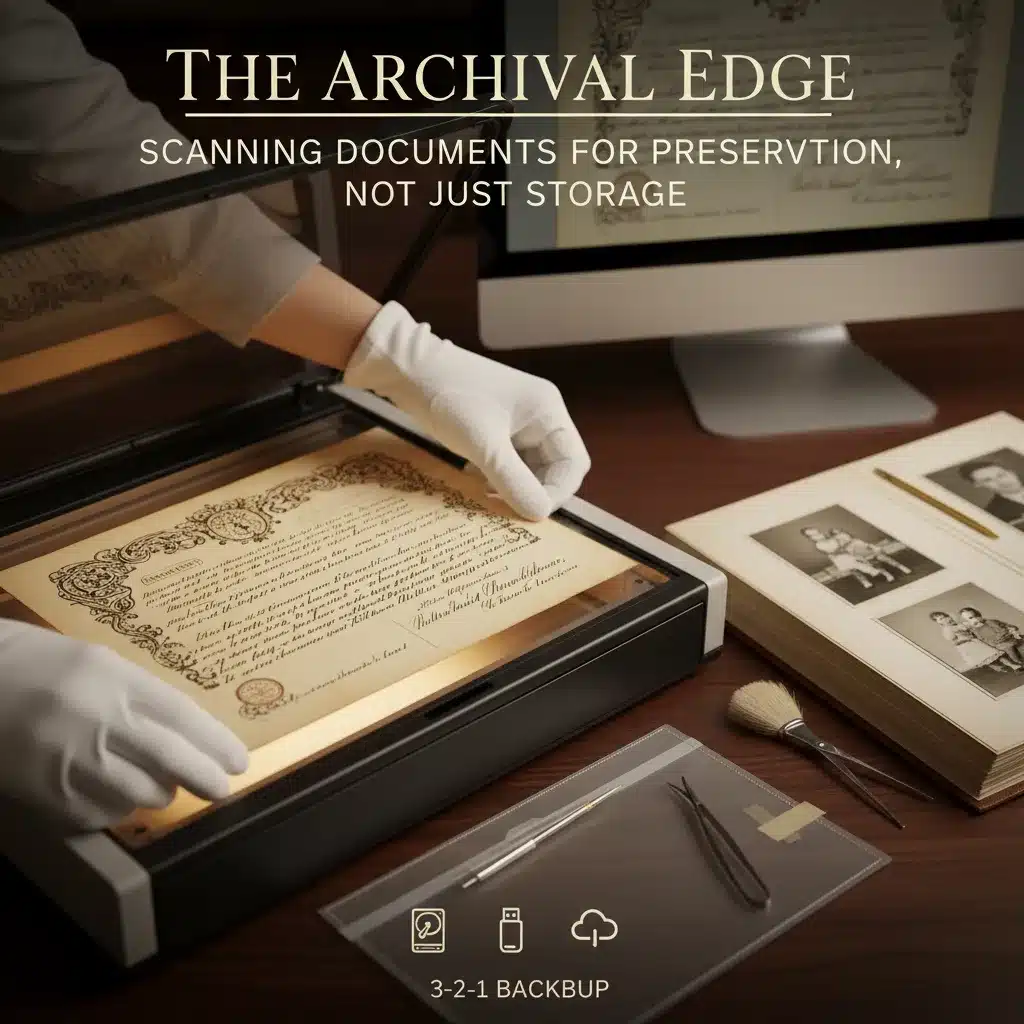
Backup Strategy (The 3-2-1 Rule)
When the work is done, preservation shifts from the computer to storage strategy. Follow the 3-2-1 rule:
Keep 3 copies of each file.
Store them on 2 different types of media (for example, a hard drive and a USB backup).
Ensure 1 copy is off-site—cloud storage or an external drive kept elsewhere.
This redundancy ensures your digital “paper trail” survives even in the face of hard drive failure or local disasters.
Digitising important documents isn’t just about making them easier to share or store—it’s about preserving stories, proof, and personal heritage for future generations. Archival scanning isn’t a luxury; it’s a promise to the past that those details, signatures, and textures won’t fade with time.
Photo restoration made simple.
Allow our experts to restore your damaged photos with precision and care - satisfaction guaranteed! Proofs and tweaks included — no surprises, just satisfaction.
01. Get Your Quote
Upload a photo for a free price estimate.
02. Review Proofs
See our work before you finalise your order.
03. Digital Delivery
Download your high‑res restored image.